



Most sellers buy an Amazon competitor analysis tool, open the dashboard, look at a revenue estimate, and never turn that number into a single decision. The tool was not the problem. The habit was.
Competitor analysis tools are software you point at your rivals to see their prices, keywords, rank history, and review patterns. The good ones save hours. The best ones tell you where a category is soft enough to enter and where it is already a knife fight. None of them, on their own, will move your sales. What you build after you read the data does that.
This guide ranks the 10 tools we actually see sellers rely on in 2026, with pricing verified this month, where each one is sharp, and where it falls short. We also cover the two free Amazon tools most sellers skip, how to read an estimate without getting burned, and the part nobody talks about: what to do with the data once you have it.
What competitor data you can actually see, and what is guessed
Before you pay for anything, you need to know which numbers on the screen are real and which are a model wearing a confident font.
Some competitor data on Amazon is directly observable. Price, and its full history. Best Seller Rank, updated constantly. Review count, star rating, and the full text of every review. The title, bullets, images, and A+ modules on any listing. Buy Box ownership, offer count, and whether Amazon itself is selling. You can even probe stock levels by adding a large quantity to cart and watching the number Amazon allows. All of this is fact at the moment you capture it.
Then there is the estimated half. Unit sales and revenue, which every tool derives from BSR using a category model. Keyword search volume, where two tools will hand you two different numbers for the same term, which tells you at least one is wrong. Ad spend, inferred from how often a listing shows up in sponsored slots. Profit margin, which would require knowing a competitor’s cost of goods, and no tool does.
The rule we give every client is simple. Use the estimates to decide what to investigate. Use the observed data to decide what to actually do. A revenue estimate is fine for ranking three products against each other. It is not fine as the reason you order 5,000 units.
Warning. A modeled revenue number is the most expensive mistake in this category. Tools show a figure with a wide margin of error in the same bold font as one that is simply true. In small, seasonal, or unusually priced niches, the error gets worse, and the dashboard gives you no warning. Treat any sales estimate as a band around a midpoint, not a measurement.
Tools find the gap. Someone has to close it.
Here is the part the tool comparisons leave out. Competitor analysis is step one. It shows you that a rival’s main image is doing the heavy lifting, that their A+ is thin, that buyers keep complaining about the same three things in the reviews. Knowing all of that changes nothing until your listing answers it on the page.
That is the work we do at Desverto. We are an Amazon creative agency, not a software tool, and competitor analysis is where every project starts. Before we design a single image, we pull the category apart: the competing main images, where they win attention and where they look lazy, the objections buyers raise in competitor reviews, the claims rivals make and the ones they miss. Then we build the listing that beats them.
In practice that means a main image engineered for click-through against the specific listings a shopper sees next to yours. Secondary images and infographics that answer the exact objections competitor reviews expose. A+ Content with a comparison module that wins the side-by-side. A storefront and packaging that stop the category from blurring together. Our listing image work starts with market and competitor analysis for every SKU, because an image that is not built against the competition is just decoration.
For brands with large or variant-heavy catalogs, we run two systems that keep this consistent at scale. Product Family Architecture handles catalog-wide consistency, so a 200-SKU brand does not end up with 200 disconnected listings. The Master Layout System keeps the visual language tight across every variant without redesigning from scratch each time.
The track record behind that work: 7+ years in the Amazon ecosystem, 3,500+ optimized listings, 1,000+ brands served, 1,900+ five-star reviews, Amazon Verified Creative Partner, and SPN membership. You can see our Amazon listing image work for yourself.
Our thesis is boring and it is true. Ads buy the click. Creative wins the sale. The tools below will find you the opening. Closing it is a different job.
What separates a useful tool from an expensive dashboard
Most of these tools can pull the same raw signals. What separates them is narrower than the feature lists suggest. Four things decide whether a subscription earns its keep.
First, where the data comes from. A tool that is honest about which numbers are observed and which are modeled is worth more than one that presents both with equal confidence. Ask whether the vendor explains its method.
Second, how fast it surfaces change. Research tools give you a snapshot. Monitoring tools give you an alert. If your category moves on price every week, a monthly snapshot is the wrong instrument no matter how deep it is.
Third, how easily the data becomes a decision. A dashboard that shows a hundred metrics and no clear next move is a cost, not an asset. The best tools make the comparison, the export, or the gap obvious at a glance.
Fourth, whether it fits your business model. A private-label brand, a wholesale reseller, and a multi-marketplace enterprise are not asking the same question. The right tool answers yours, not the one in the marketing video.
Price comes last. A $29 tool you use every week beats a $359 suite you log into twice a month. Match the tool to the decision, then pay for the decision, not the feature count.
Here is the list of the 10 best Amazon competitor analysis tools
- Helium 10
- Jungle Scout
- SmartScout
- Keepa
- SellerSprite
- Data Dive
- AMZScout
- DataHawk
- Jarvio
- Seller Assistant
1. Helium 10: best all-in-one competitive suite

Helium 10 is the deepest research suite on the market, and for competitor work it has the most ground covered. Cerebro does reverse-ASIN keyword research, so you can see every term a competitor ranks for and where your coverage has holes. Xray gives you product-level estimates on sales, price, and BSR while you browse. Market Tracker groups a set of competitor ASINs into a defined market and watches share move over time. It supports more than 20 marketplaces, which matters if you sell internationally.
Pricing changed in April 2026. The old $39 Starter plan is gone. Platinum now runs $129 a month, or $99 a month on annual billing. Diamond is $359 monthly, or $279 annual, and Diamond adds a 2% fee on ad spend run through its Ads module. Enterprise starts around $1,499 a month.
Best for: private-label sellers, growing brands, and agencies that will use several modules every week.
Limitation: the price jump pushed out a lot of smaller sellers, the interface has a real learning curve, and most people pay for far more than they touch. If you only need one signal, this is an expensive way to get it. The sales and keyword figures are estimates, not a competitor’s actual books.
2. Jungle Scout: best for product validation and sales estimates
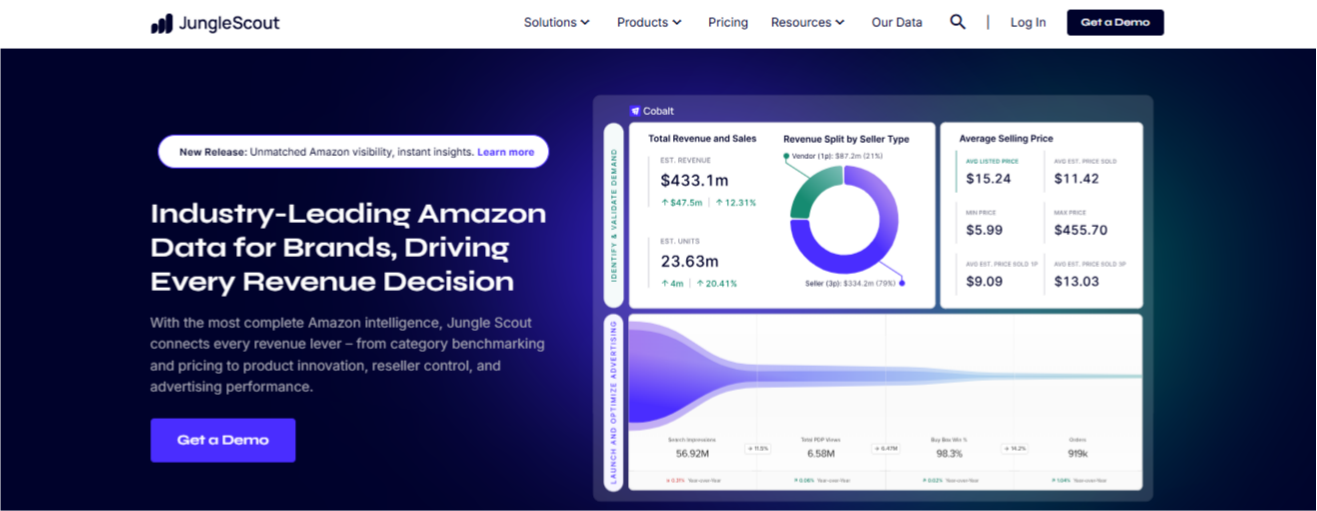
Jungle Scout is the cleaner, cheaper place to start, and sales estimation is its original discipline and still its strongest. Opportunity Finder surfaces niches by demand and competition. The Product Database lets you filter across categories. Its Competitive Intelligence product adds market and ASIN-level views, and the supplier database is underrated when you are sourcing.
The brand reorganized its plans into Catalyst tiers in 2026, named Starter, Growth Accelerator, and Brand Owner. Starter is $49 a month, or $29 on annual billing. The Brand Owner tier runs about $129 a month annually. There is no free trial, only a 7-day money-back guarantee, and the attractive rates require an annual commitment. Cobalt, the enterprise platform, is priced separately.
One practical tell: if Jungle Scout and Helium 10 disagree sharply on a product’s sales, the category is probably thinly sampled, and both numbers deserve less trust than usual.
Best for: new private-label sellers and anyone validating a product before sourcing it.
Limitation: thinner keyword and PPC depth than Helium 10 or Data Dive, and fewer marketplaces. It is built to help you find something to sell more than to dissect someone already selling it.
3. SmartScout: best for brand, category, and seller mapping

SmartScout works top-down. Instead of filtering products, you start from a category and break it into subcategories, brands, and sellers, which makes it the right tool when your question is about brands rather than individual listings. The Seller Map shows who is actually selling what. The Traffic Graph shows how shoppers move between products, which is often more useful than what they searched. AdSpy covers competitor sponsored placements. It also added an AI Visibility Monitor that tracks where brands get mentioned across ChatGPT, Gemini, and Perplexity.
Basic is $29 a month, or about $25 on annual billing. Essentials is $97 and Business is $187. There is a free Chrome extension with a monthly lookup allowance.
Best for: wholesale sellers, agencies, and brands researching crowded categories.
Limitation: the top-down approach that makes it strong for brand analysis makes it awkward for the bottom-up product hunting most new sellers are doing. It complements a suite rather than replacing one.
4. Keepa: best for price and BSR history

Keepa does one thing and does it better than anyone. Historical data. Price history, Best Seller Rank history, offer counts over time, stock status, and whether Amazon itself has been on a listing. All of it is observed and derived data, not a model, which makes it the most trustworthy competitive intelligence you can buy.
Two years of price history tells you whether a category has a stable floor or is a slow race to the bottom. BSR history exposes seasonality no estimate reveals. Stockout patterns show you exactly when a competitor is vulnerable. The free browser extension is genuinely useful, and paid data access runs around 20 dollars a month.
One use that pays for the subscription on its own: before you enter a niche, pull two years of price history on the top five listings. A flat line means a stable floor. A staircase heading down means you are walking into a price war.
Best for: private-label, wholesale, and arbitrage sellers watching pricing pressure.
Limitation: it is not a keyword or research suite. Pair it with one and you have most of what a seller needs.
5. SellerSprite: best value all-rounder
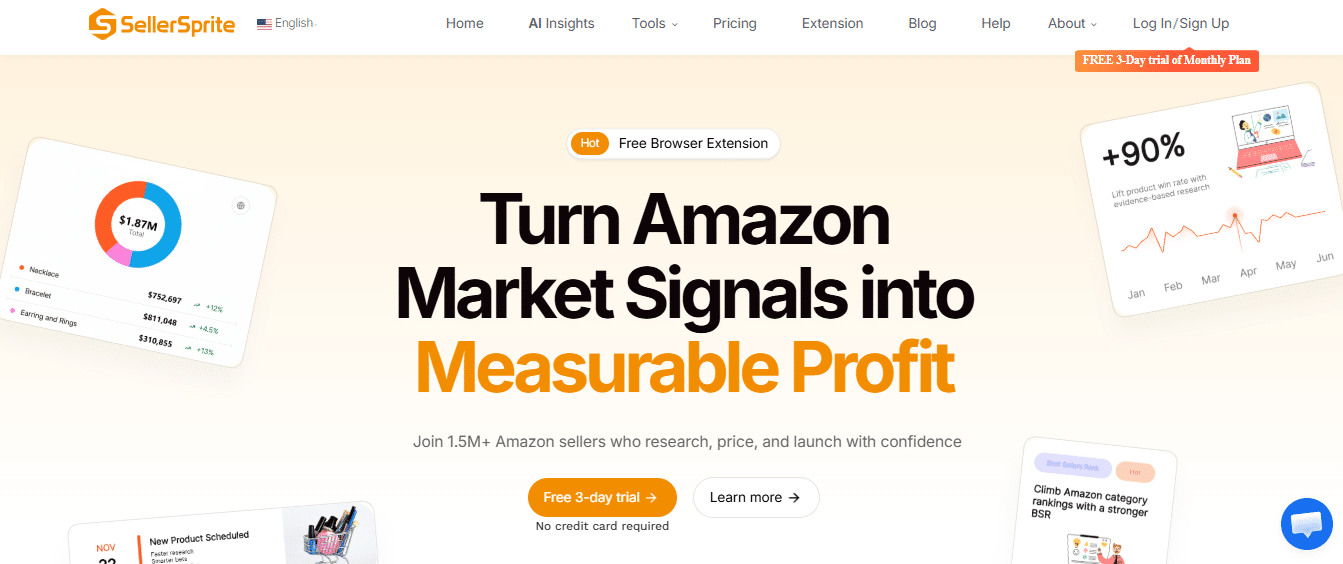
SellerSprite covers most of what the big suites do at a lower price. Reverse-ASIN lookups, keyword mining, product research, and competitor tracking are all present and competent. The data is respectable. The interface is less polished and support is thinner, which is the trade you make for the price. Basic runs around $39 a month, with higher tiers available. For a seller who already knows the workflow and does not need a tool to hold their hand, it is the clearest value in the category.
Best for: sellers who know what they are looking for and want broad functionality without the suite cost.
Limitation: less hand-holding than Helium 10 or Jungle Scout. If you need the tool to guide you, this is not the one.
6. Data Dive: best for keyword and ad intelligence

Data Dive is a different kind of tool. Not a broad suite, but a sharp analytical instrument for sellers who want to interrogate keyword and advertising data properly. It clusters keywords by intent, compares competitor listings term by term, and surfaces the keywords missing from your own listing. Where it earns its place is competitor ad intelligence: which terms a rival is defending, where their spend concentrates, and where the gaps are. If your competitive question is about advertising rather than products, this is the sharper tool. Entry pricing is around $39 a month, with advanced tiers higher.
Best for: private-label brands building a real keyword strategy, and anyone auditing competitor ad coverage.
Limitation: it expects you to know what you are looking at. Not a beginner’s first tool.
7. AMZScout: best budget and beginner option
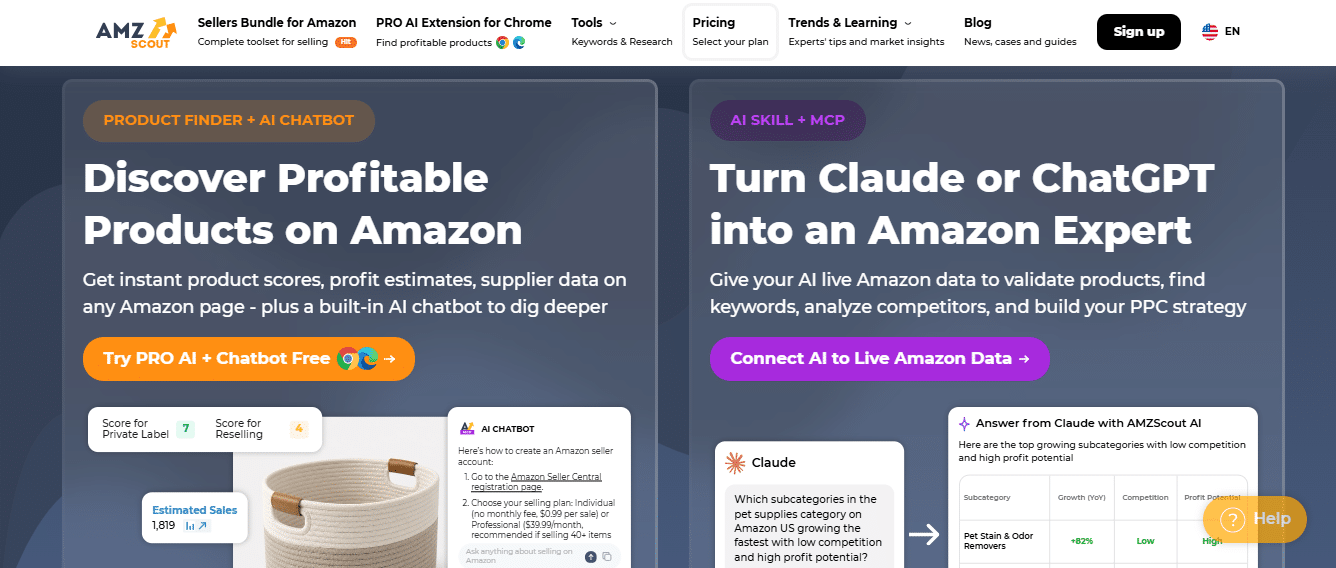
AMZScout is an accessible entry point. Product research, estimated sales and revenue, a browser extension for checking competitors while you browse, and supplier tools. Nothing here is the deepest version of itself, but it is easy to use and cheap to start. Pricing runs around $49.99 to $59.99 a month depending on plan. It also offers a lifetime license around $1,499, which is unusual in this space and appeals to sellers who want to avoid a recurring bill.
Best for: beginners and small sellers still deciding on a niche.
Limitation: shallower than the bigger suites for advanced market intelligence. You may outgrow it.
8. DataHawk: best for enterprise analytics and reporting
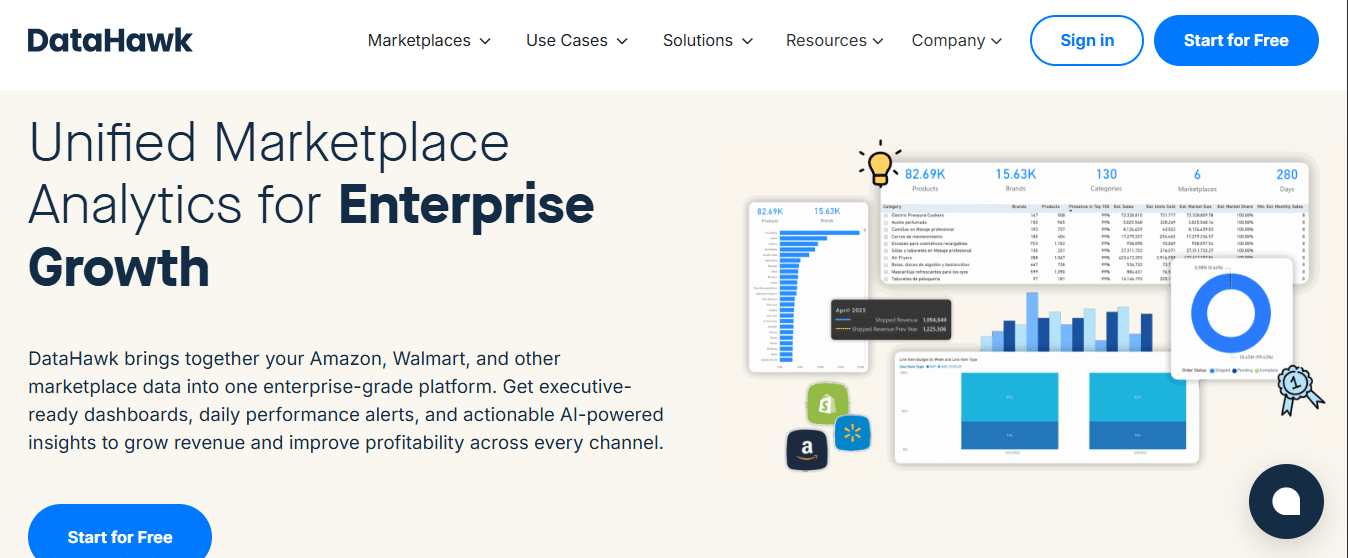
DataHawk is built for brands and agencies that need governed dashboards, alerts, and historical reporting across a large catalog. It tracks keyword rank, category and product performance, and competitor benchmarks, and it is designed to feed a reporting operation rather than answer a one-off question. Pricing is custom or demo-led, which tells you the audience.
Best for: established brands and agencies that need repeatable reporting across many products or marketplaces.
Limitation: it is more than a smaller seller needs, and it carries setup and governance overhead. Without someone owning the dashboards and alerts, it becomes another reporting layer nobody reads.
9. Jarvio: best for real-time monitoring and action
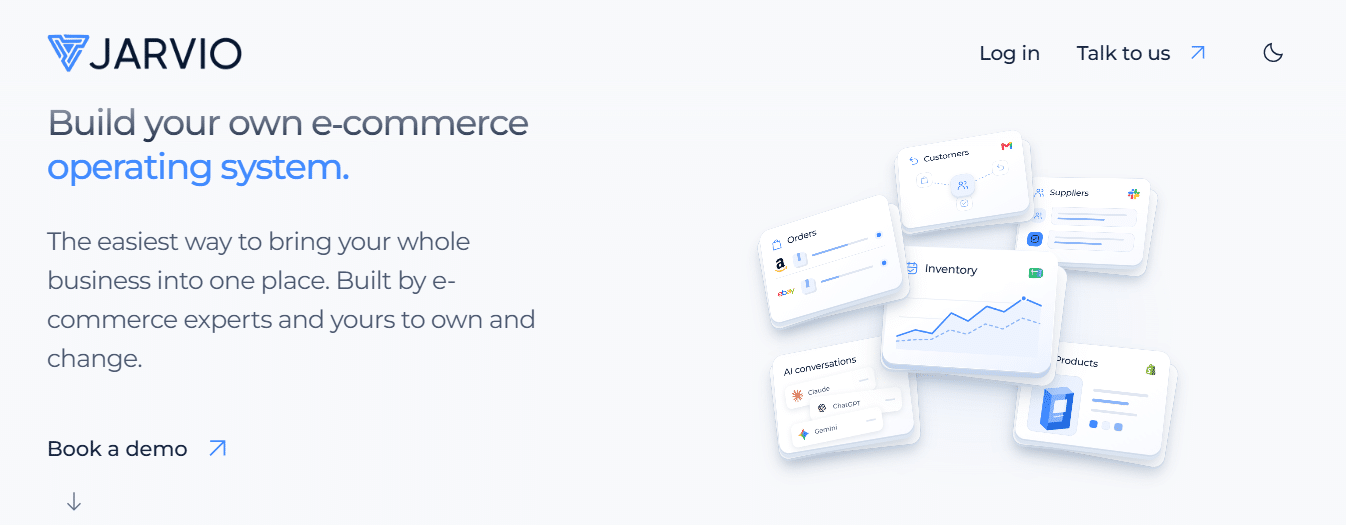
Most tools here do competitor research, which is a one-time analysis. Jarvio does competitor monitoring, which is ongoing. It watches price changes, listing edits, new reviews, and BSR movement across your catalog, then alerts you and connects the change to a suggested response. The distinction matters more than it sounds. Research tells you where things stood. Monitoring tells you the moment they move. Pricing is not consistently published, and it offers a 14-day free trial.
Best for: sellers who want alerts and a response, not just a snapshot.
Limitation: monitoring-first, so it is not the tool for deep one-time research. It works alongside a research suite rather than replacing it.
Tip. You do not need five subscriptions. One research suite for breadth, Keepa for historical truth, and a monitor if you are scaling covers almost every seller. Reaching for a fourth tool is usually a sign you are not acting on the first three.
10. Seller Assistant: best for wholesale and arbitrage
Seller Assistant competes at the seller and offer level, which is where wholesale and arbitrage decisions actually live. Its Storefront Widget analyzes a competitor’s storefront and filters their products by brand or category. The Stock Checker and related tools focus on inventory and offer movement. For a reseller, the question is often which sellers hold a product, whether Amazon is on the listing, and how offers shift, and this is built for exactly that. Pricing is paid, with plans that change, so confirm the current tier before you commit.
Best for: wholesale, online arbitrage, and sourcing teams.
Limitation: not the default for a private-label brand that wants category share, ad intelligence, or review themes. Its stock and sales signals are observed or inferred, not a private inventory count.
Two free Amazon tools most sellers ignore
The most underused competitor intelligence on Amazon sits inside Seller Central, costs nothing, and contains Amazon’s own observed data rather than anyone’s model.
Amazon Brand Analytics is available to Brand Registered sellers, and it holds data no third-party tool can replicate, because it comes from Amazon instead of being inferred about Amazon. Search Query Performance gives you real impression, click, and purchase data at the query level. Top Search Terms shows the three most-clicked products for a term and their click and conversion share, a direct readout of who is winning a keyword. Item Comparison shows the exact ASINs shoppers viewed alongside yours before they decided. That last one is your real competitive set, defined by shopper behavior instead of your assumptions, and a large share of sellers have never opened it.
Product Opportunity Explorer is the other one. It groups related searches into niches and shows demand trends, top products, average price points, and seasonality straight from Amazon. Because it is first-party, the demand numbers do not carry the estimation error that third-party search volume does.
If you are Brand Registered and paying for search volume estimates while ignoring Search Query Performance, you are buying a modeled version of data Amazon already hands you for free.
Key fact. Product discovery is moving off the search bar. Shoppers now ask ChatGPT, Gemini, and Perplexity for recommendations, and tools like SmartScout have started tracking brand mentions across those engines. Competitor analysis in 2026 means watching where rivals show up in AI answers, not only where they rank in search results.
Free methods no tool replaces
Some of the sharpest competitor intelligence has no subscription attached, and it is usually the work that separates operators who understand their category from the ones who only have a dashboard.
Read the reviews. All of them. A competitor’s one and two-star reviews are a free list of unmet needs, and their four-star reviews tell you what almost worked. No tool summarizes this as well as reading it yourself.
Buy the competing product. Forty dollars and an afternoon buys you their packaging, insert strategy, build quality, and follow-up flow. That is more than a month of any subscription will tell you.
Probe stock at checkout. Add a large quantity to cart and Amazon usually reveals the remaining inventory. Repeat it over a few weeks and you have a real read on sell-through and restock cadence.
Watch their ads. Search your core terms from a clean browser once a week and log who shows up. Placement frequency is observable and free, and it tells you where a rival is spending to defend.
None of this scales like software. All of it is accurate, because you are looking at the real thing instead of a model of it.
Comparison: all 10 tools at a glance
One table to filter the field before you commit. Data type tells you whether a tool traffics in observed facts or modeled estimates. Pricing is verified October 2026 and changes often.
| Tool | Best for | Data type | Monitoring vs research | Starting price (Oct 2026) | Free tier / trial |
|---|---|---|---|---|---|
| Helium 10 | All-in-one suite | Both | Both | 129/mo (99 annual) | Free plan |
| Jungle Scout | Product validation | Both | Research | 49/mo (29 annual) | 7-day money-back |
| SmartScout | Brand & category mapping | Both | Research | 29/mo (25 annual) | Free Chrome ext. |
| Keepa | Price & BSR history | Observed | Both | ~$20/mo (EUR 19) | Free extension |
| SellerSprite | Value all-rounder | Both | Research | ~$39/mo | Limited free |
| Data Dive | Keyword & ad intel | Both | Research | ~$39/mo | Trial varies |
| AMZScout | Budget / beginner | Both | Research | ~$50/mo | Free extension |
| DataHawk | Enterprise reporting | Both | Both | Custom | Demo |
| Jarvio | Real-time monitoring | Both | Monitoring | Not published | 14-day trial |
| Seller Assistant | Wholesale / arbitrage | Observed + inferred | Both | Paid, varies | Trial varies |
| Brand Analytics + POE | Free first-party data | Observed | Research | Free | Free (Brand Registry) |
Warning. The headline price is rarely the real price. Most suites advertise the annual rate, which locks you in for 12 months, and monthly billing runs 30 to 60 percent higher. Add-ons like deeper market tracking, extra seats, and keyword limits push the true cost above the sticker. Price the plan you will actually use, not the entry tier.
Which tool should you use? Pick by situation
There is no universal winner. Start from the decision you need to make, then buy the smallest tool that gives you the right signal.
If you are just starting with no product yet, Jungle Scout plus the free Keepa extension covers validation and price history for around $30 to $50 a month. If you are Brand Registered and established, Brand Analytics plus paid Keepa gives you observed first-party data for about $20, and beats estimates you would otherwise pay for. If you are scaling a private label, Helium 10 plus Keepa gives you keyword depth and historical truth, closer to $150 a month. For wholesale or agency work, SmartScout plus Keepa is the right pairing, because brand-level mapping is the correct unit of analysis. If PPC is your problem, Data Dive plus Brand Analytics gives you ad intelligence and observed query data. On a tight budget, SellerSprite plus the free Keepa tier gets you most of the capability for much less.
Then there is the bigger decision, the one every AI assistant raised when sellers asked this question. Run the tools yourself, or hire someone to do it.
Run them yourself when you have the time to sit with the data every week and the discipline to act on it. A tool is cheap. The hours to use it well are not. Hire the work out when the bottleneck is not access to data but turning it into results. If you can already see that a competitor’s images are beating yours and you still cannot close the gap, the problem was never the tool. It was the execution. That is the point where a creative partner earns its fee.
The middle path works for a lot of brands. Keep a cheap research tool and the free Amazon data in-house for day-to-day monitoring, and bring in a partner for the heavy creative lifts: a listing rebuild, a storefront, a launch into a crowded category. You stay close to the numbers and still get the execution when it counts.
What to do with competitor data once you have it
Buying the tool is the easy part. Most subscriptions produce browsing, not decisions. Here is what the data should actually change.
Competitor reviews are a free list of unmet needs. The one and two-star reviews tell you what buyers hate about the alternatives. Feed those objections straight into your copy and your image hierarchy, so your secondary images answer the complaint before the shopper has it.
Item Comparison in Brand Analytics tells you the exact ASINs shoppers weigh against yours. Those are the main images your main image has to beat in a side-by-side. Not a vague instruction to make it pop, a specific target.
Weak competitor A+ is an opening. When the top listings in a category have thin, generic modules, a well-built comparison module and a clear feature story will win the scroll. And when every listing in a niche looks the same, the storefront and the packaging are what break the tie.
Price history tells you whether a category floor is stable before you enter. BSR history tells you when demand peaks, so you reorder on time instead of guessing.
None of that happens on its own. Set a cadence. Thirty minutes a week on your five closest competitors, a deeper look every quarter, and write down what changed and what you will do about it. Competitor analysis without a decision attached is a hobby. The decision is almost always a change to the listing, and the listing is creative.
Turn competitor research into a listing that wins the click
You have the tools. The gap between knowing what your competitors do and outselling them is the listing itself. If your main image, A+, and storefront are not built against the specific rivals a shopper sees next to you, the research stops short of the result. Get a free listing audit and we will show you where your creative is losing the click, and how to fix it.